No typing in the field
Works with gloves on, next to the machine or up a ladder.

Voice input
The technician says what happened and MX-Maint fills in the asset, fault type, priority and team. The order is ready in seconds, with no typing.
How it works
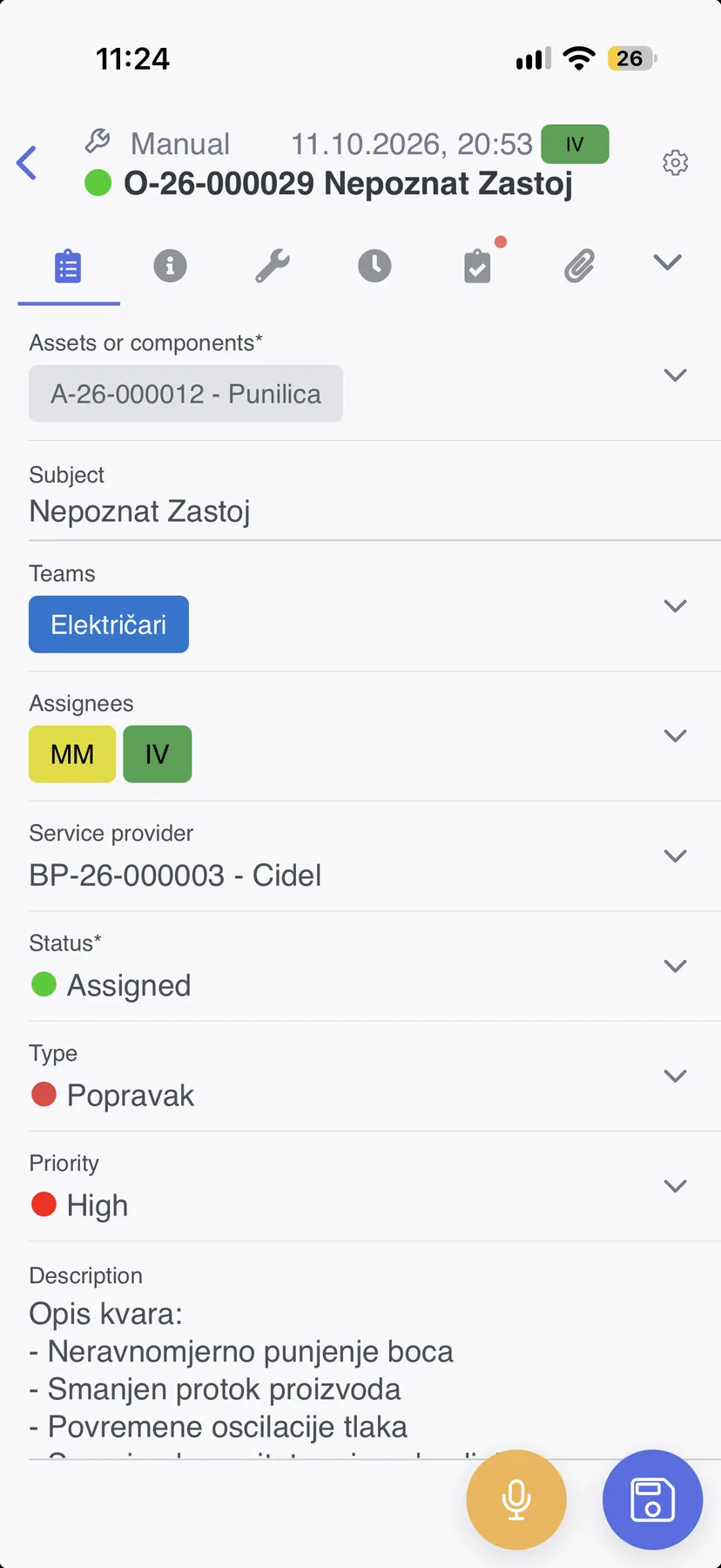
Hands are busy in the field and typing on a phone is slow. Voice fixes that.
Works with gloves on, next to the machine or up a ladder.
When reporting is quick, faults get reported on the spot, not at the end of the shift.
The manager gets a filled-in work order instead of a message or a note.
Ready to talk? Reach out to book a presentation or request a personalised demo.
Book a presentation